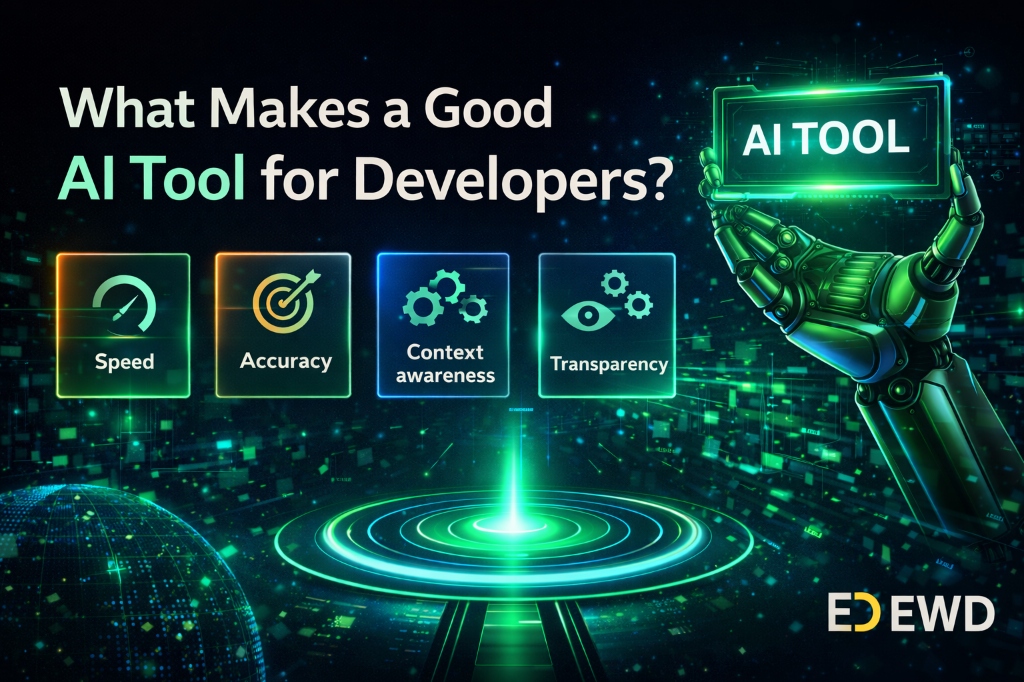
Supercharge Your Coding: Essential AI Tools Every Developer Should Use in 2026
Artificial Intelligence is transforming software development faster than ever before. Tasks that once required hours of research, debugging, and coding can now be completed in minutes with the help of AI-powered tools. Whether you're a beginner learning Python, a web developer building applications, or a professional software engineer, AI can dramatically improve your productivity.
The goal of AI is not to replace developers—it is to help them work smarter, write better code, and solve problems faster.
In this guide, we'll explore the most essential AI tools that can supercharge your coding workflow in 2026.
Why Developers Should Use AI Tools
Modern AI tools can help programmers:
- Write code faster
- Debug errors efficiently
- Learn new programming concepts
- Generate documentation
- Improve code quality
- Automate repetitive tasks
- Build projects more quickly
Developers who effectively use AI often complete tasks significantly faster than those who rely solely on traditional methods.
1. ChatGPT
ChatGPT has become one of the most popular AI assistants for programmers worldwide.
What It Can Do
- Explain complex code
- Generate code snippets
- Fix bugs
- Create project ideas
- Write documentation
- Help learn programming concepts
Best For
- Python Developers
- Web Developers
- Students
- Beginners
Example Use Cases
- "Explain Python decorators."
- "Find the bug in this code."
- "Create a Flask login system."
2. GitHub Copilot
GitHub Copilot acts like an AI pair programmer directly inside your code editor.
Features
- Real-time code suggestions
- Function generation
- Auto-completion
- Documentation generation
Advantages
- Saves development time
- Reduces repetitive coding
- Improves productivity
Ideal For
- Professional Developers
- Software Engineers
- Full-Stack Developers
3. Claude AI
Claude AI is known for handling large codebases and providing detailed explanations.
Strengths
- Code analysis
- Refactoring suggestions
- Technical documentation
- Long-context understanding
Best For
- Large Projects
- Enterprise Development
- Architecture Discussions
4. Cursor AI
Cursor is one of the fastest-growing AI-powered code editors.
Features
- AI-powered coding assistant
- Code generation
- Smart debugging
- Project-wide understanding
Why Developers Love It
Cursor understands your entire project instead of only individual files.
Best For
- Modern Software Development
- Startup Projects
- AI-Assisted Coding
5. Replit AI
Replit allows developers to code directly from the browser.
Features
- AI coding assistant
- Cloud-based development
- Instant deployment
- Team collaboration
Perfect For
- Students
- Beginners
- Quick Prototyping
6. Tabnine
Tabnine focuses on AI code completion.
Benefits
- Fast suggestions
- Multiple language support
- Privacy-focused solutions
Supported Languages
- Python
- JavaScript
- Java
- C++
- Go
- PHP
7. Codeium
Codeium is a popular free alternative to GitHub Copilot.
Features
- AI autocomplete
- Chat assistance
- Code generation
Why Use It
Many developers prefer Codeium because it offers powerful AI features without requiring expensive subscriptions.
8. Amazon CodeWhisperer
Developed by Amazon, CodeWhisperer helps developers write secure code.
Features
- Security recommendations
- Intelligent suggestions
- AWS integration
Best For
- Cloud Developers
- AWS Users
- Backend Engineers
9. Phind
Phind is designed specifically for developers.
Features
- Technical search engine
- Coding explanations
- AI-generated solutions
Benefits
Instead of browsing multiple websites, developers can quickly receive coding-focused answers.
10. Perplexity AI
Perplexity combines AI-powered answers with source citations.
Useful For
- Programming research
- Learning new frameworks
- Finding documentation
Why It Stands Out
Unlike many AI tools, Perplexity often provides references and sources for its responses.
How AI Helps Different Types of Developers
Python Developers
AI can:
- Generate Python scripts
- Explain libraries
- Debug errors
- Create automation tools
Web Developers
AI can:
- Generate HTML/CSS
- Build React components
- Create APIs
- Optimize code
Data Scientists
AI can:
- Analyze datasets
- Generate visualizations
- Build machine learning models
Students
AI can:
- Explain concepts
- Solve coding doubts
- Create study plans
- Provide practice questions
Can AI Replace Developers?
This is one of the most common questions today.
The answer is simple:
"AI can write code, but developers solve problems."
AI lacks:
- Creativity
- Business understanding
- Critical thinking
- Product vision
- Human communication
The future belongs to developers who learn to use AI effectively rather than fear it.
Best AI Tool Combination for Developers
If you're a beginner:
- ChatGPT
- Cursor AI
- Replit AI
If you're a professional:
- GitHub Copilot
- Claude AI
- Perplexity AI
If you're learning Python:
- ChatGPT
- Codeium
- Phind
Tips for Using AI Effectively
Don't Copy-Paste Blindly
Always understand the generated code.
Verify AI Responses
AI can make mistakes.
Learn Fundamentals First
AI works best when you already understand programming basics.
Use AI as a Mentor
Ask AI to explain concepts instead of simply generating answers.
Final Thoughts
Artificial Intelligence is becoming an essential part of modern software development. Developers who embrace AI tools can learn faster, write cleaner code, debug issues more efficiently, and build projects in less time.
However, AI should be viewed as a powerful assistant—not a replacement for programming skills. The most successful developers in 2026 will be those who combine strong technical knowledge with AI-powered productivity.
Start experimenting with these tools today, and you'll quickly discover how much faster and smarter your development workflow can become.
The future of coding isn't Human vs AI—it's Human + AI.